flutter - Exif Frame
Exif information
If you’ve ever tried to print EXIF info onto photos, you’ve probably seen this service.
exif-frameThe workflow is simple and the output quality is great.
Even if you don’t know the site, you’ve likely seen similar results.
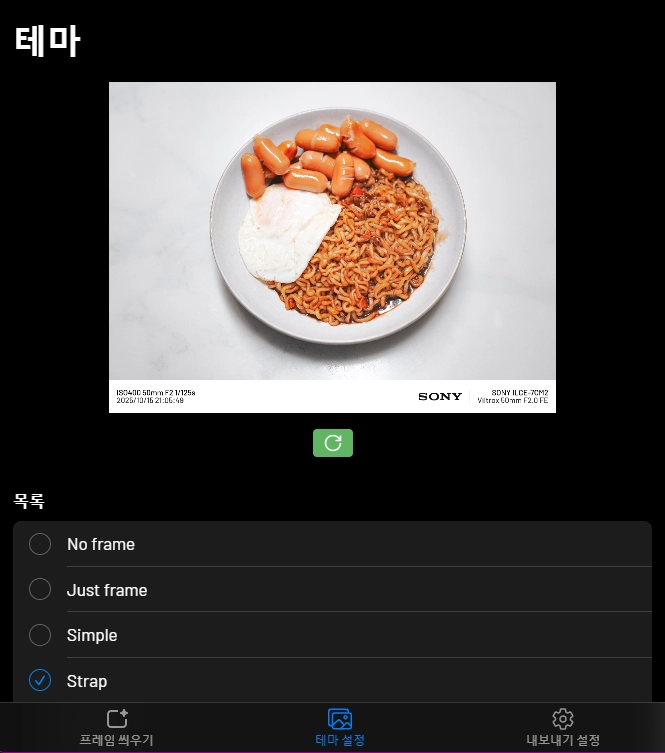
You can tell they paid a lot of attention to layout.

Flutter migration
I made a Flutter app inspired by it, keeping only the info I wanted.
I realized how many details a service like this actually needs.
It’s not perfect, but I can always customize it later.
Camera brand logos are? annoying.
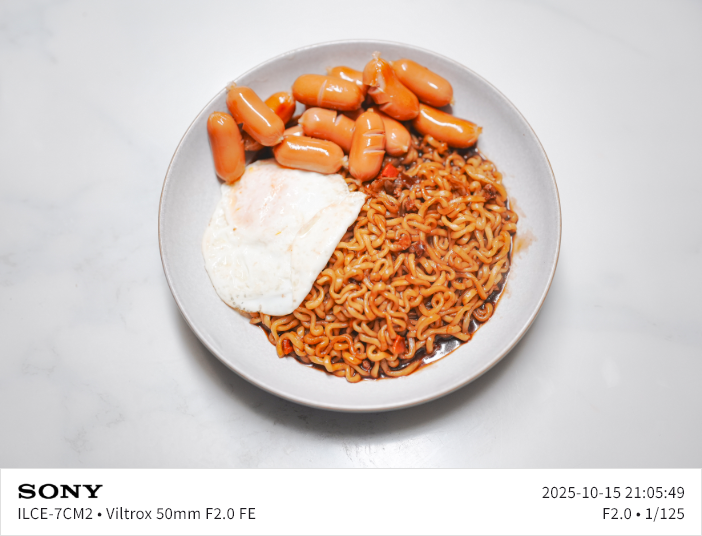
I forced sizes to fit my blog style, and adjusted text to work for both landscape and portrait.
Good enough for me.
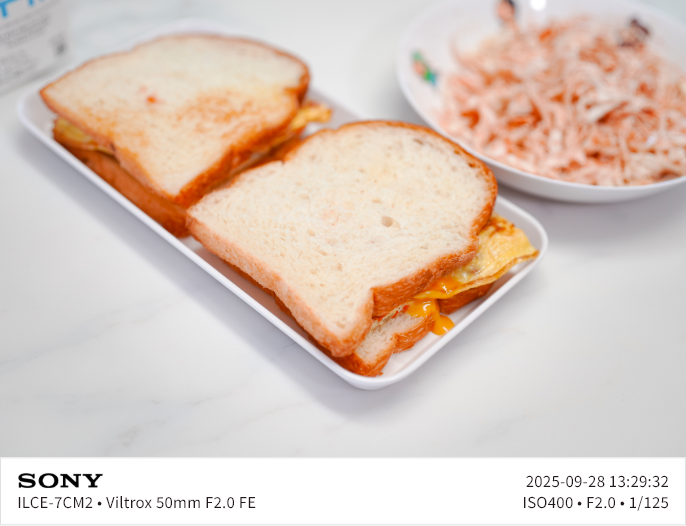
For portrait photos, I fixed the width to 500px.
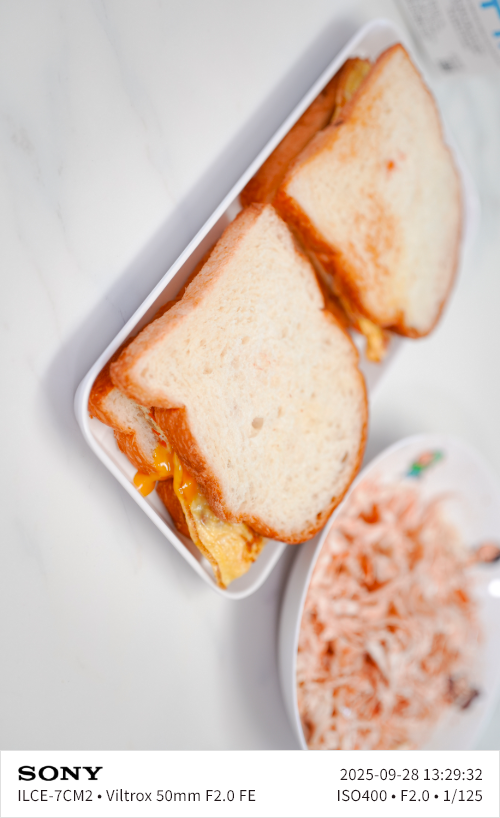
Text felt a bit large, so I reduced letter spacing and font size by 1pt.
It looks better now.
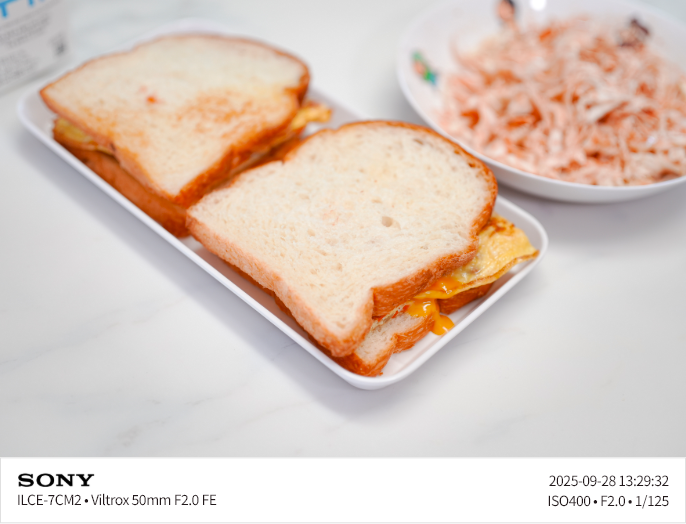

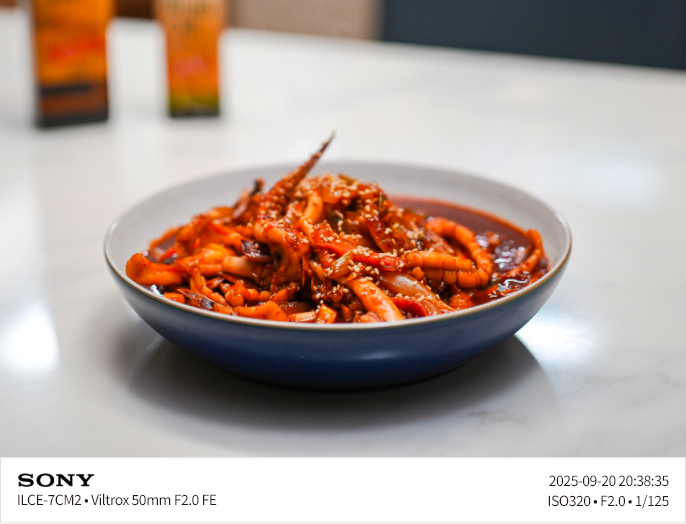
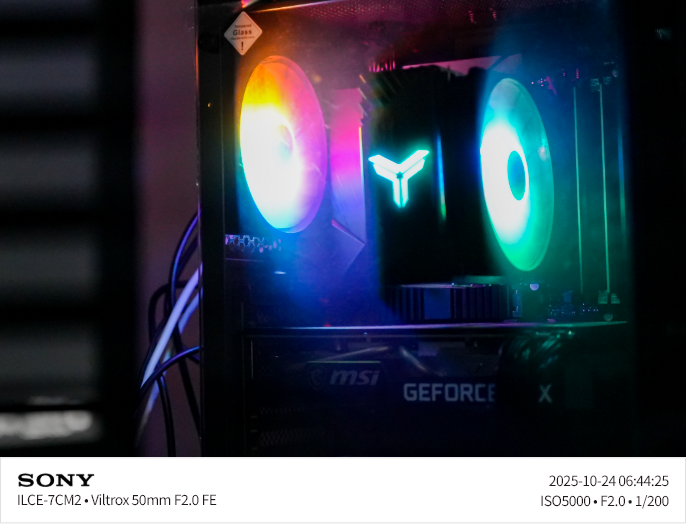
Testing an action cam. I could parse ACTION4 as the device name,
But the fields differ, and the captured date seems off. I’ll check later.

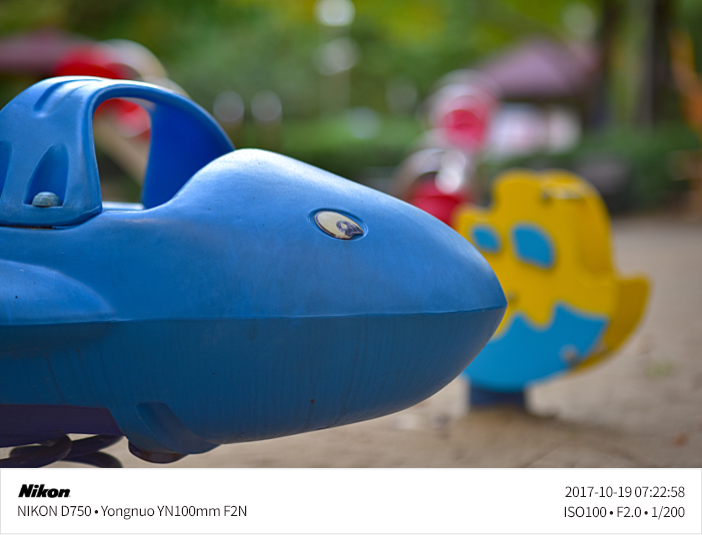
Tried forcing a Nikon logo too. It doesn’t look as good as Sony, obviously.
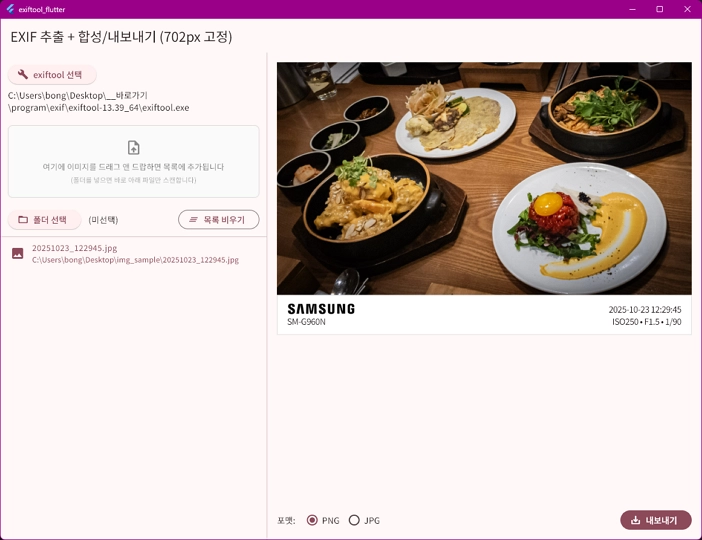
And a smartphone test. How long will I keep the Galaxy S9?



The program is as simple as possible? no fancy UI.
✶ Select the exiftool path and an image folder on the left.
✶ Pick an image to preview, choose a format, then export.
✶ I wanted webp support, but the image package still can’t handle webp cleanly.
✶I considered running cwebp separately, but stopped because I can’t fix webp color shifts yet.
It’s a bit pointless since I only have one lens left?
That’s it for today’s digging.
Download here:
exif_frameend.